Memory pressure vs the "90% RAM used" panic
That "90% memory used" number that made you order more RAM? It is almost certainly fine. Here is the metric that actually matters — and how to read it in under a minute.
Articles and insights about Cognitive Ease.
That "90% memory used" number that made you order more RAM? It is almost certainly fine. Here is the metric that actually matters — and how to read it in under a minute.
Adding a device frame to a screenshot does not have to mean a detour to Figma. Here is how to keep the whole thing inside your capture workflow on macOS.
Context-switching between dev, staging, and production environments is slow and fragile. Environment profiles in Agata Stack change the whole thing with one click — and the API means your scripts can do it too.
Your Mac slows to a crawl mid-task, then quietly recovers. It is not random — it is thermal throttling. Here is what it is, how to spot it yourself, and how to catch it before it bites.
Your fans are screaming, the palmrest is warm, and Activity Monitor shows a wall of numbers — but nothing obviously wrong. Here is what is actually happening, how to read it, and why thermal throttling is doing exactly what it should.
Every recording context needs different settings — codec, resolution, audio, overlays. Named profiles encode those decisions once so you never touch them again before a take.
Four codecs, four very different trade-offs. Here is how H.264, HEVC, ProRes 422, and ProRes 4444 behave in a screen recorder — and which one to reach for depending on what you are making.
Bug report recordings drag on because nothing forces them to stop. A 60-second auto-stop built into the recording profile changes that — and makes every report faster to watch.
Most Mac utilities can act on your machine without asking. Aurora Control was designed to never do that — and this is the story of why.
A crashed service that nobody catches until a user complains is a solved problem. Here is the crash-detection and auto-restart setup that ended the 3am surprises.
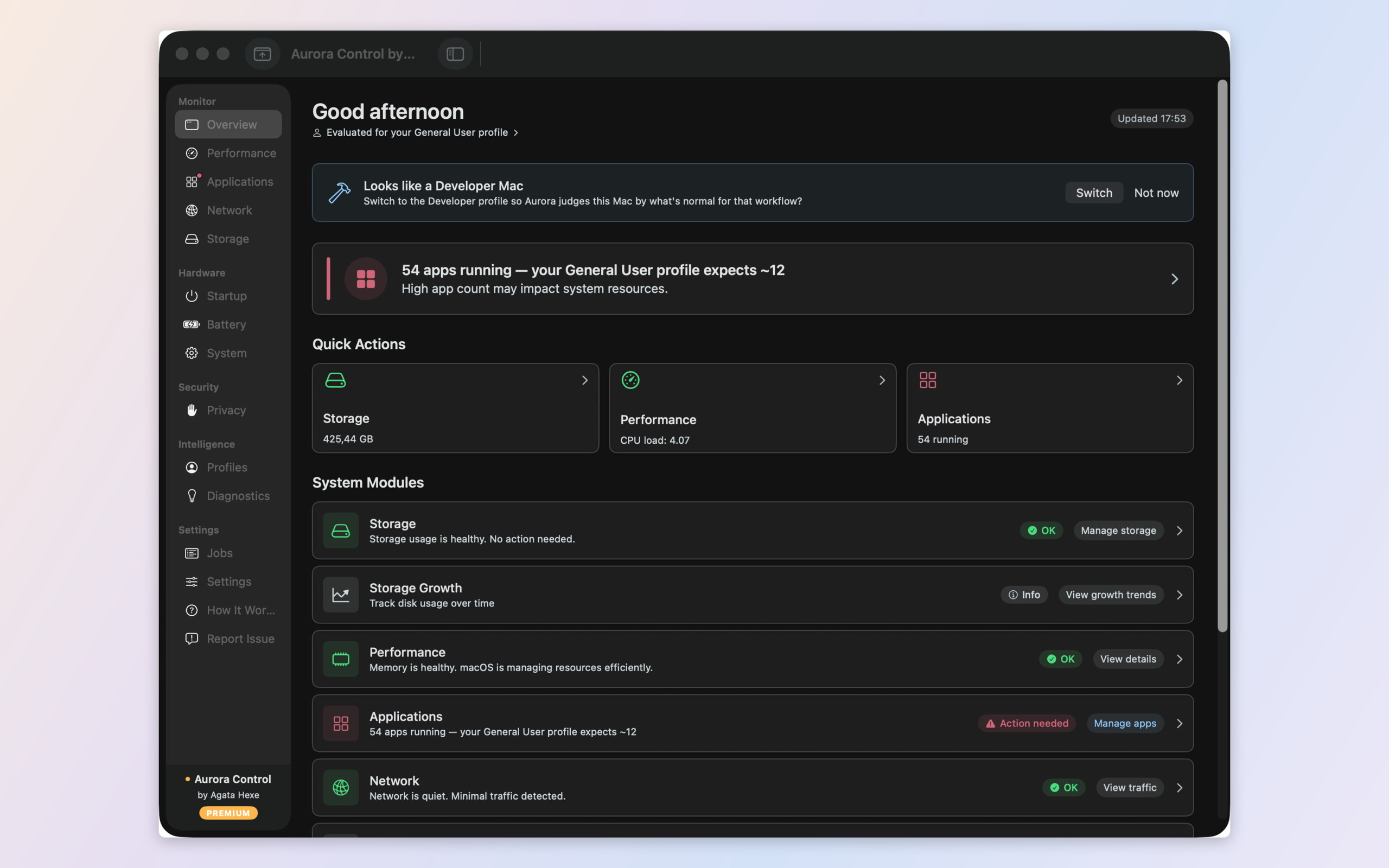
Your Mac tool is crying wolf again. The problem isn't your Mac — it's that the tool has no idea how you use it. Here's how Aurora Control learns what normal actually looks like for you.
Fourteen terminal tabs, colour-coded window groups, and I still could not tell at a glance which service had quietly died. Here is what changed.

Every Mac tool measures. Few of them explain. Here is the difference between a screen full of numbers and actually knowing what is wrong with your Mac — and what to do.